Paste the link.
Start with a public Instagram reel or post you own or have permission to download.
From a public reel to your next creation. Preview, save, and edit videos and photos in one Android app.
Android app · Coming soon Explore the app ↓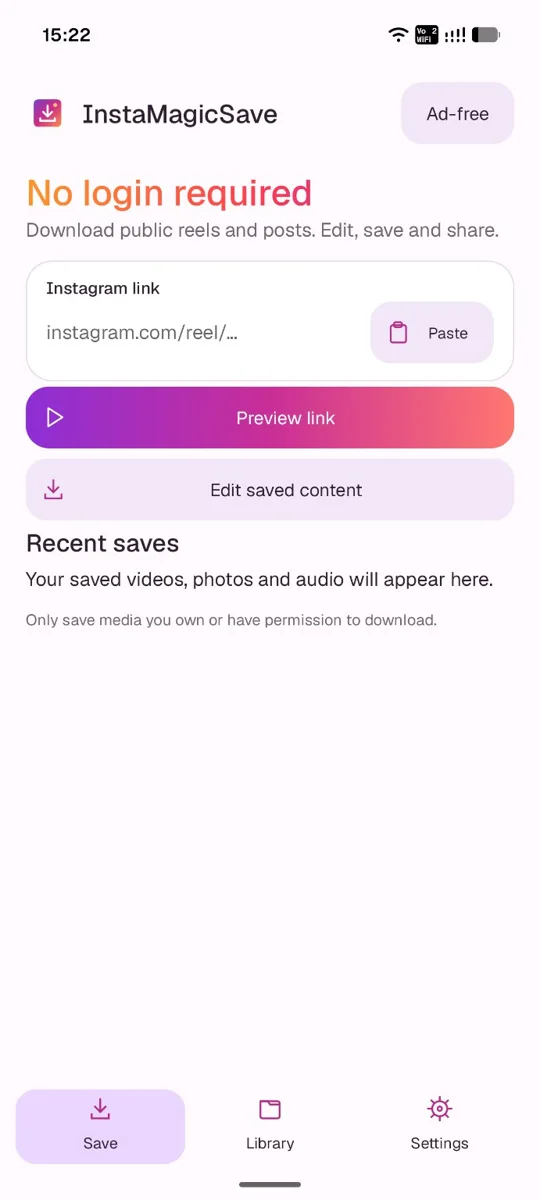
Start with a public Instagram reel or post you own or have permission to download.
Check the media before saving it to your phone. Keep your favourite moments close.
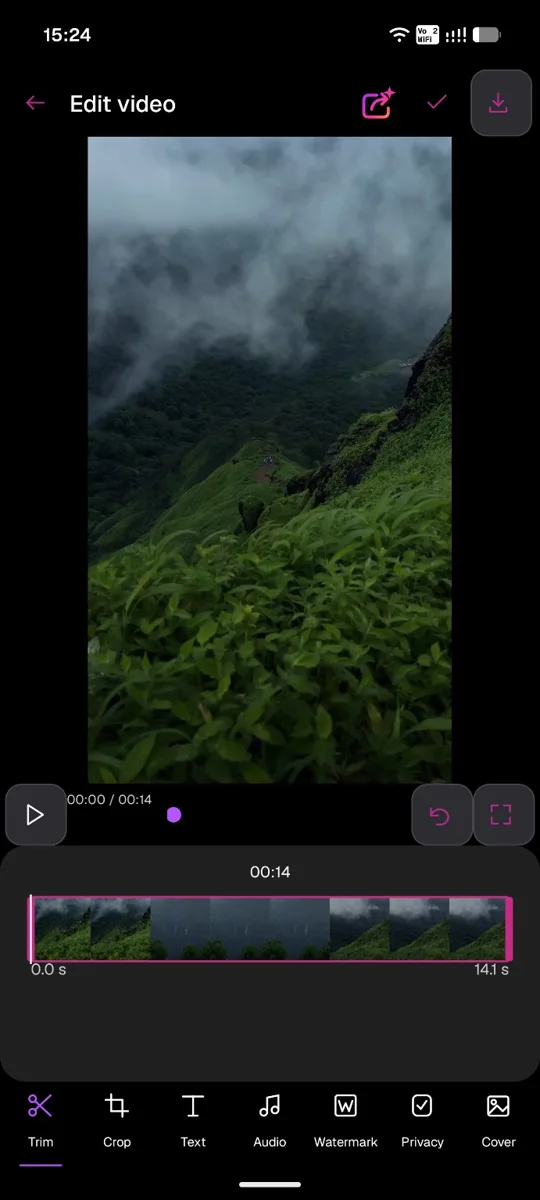
Open saved media, trim the moment, adjust the frame, and share your finished creation.
Keep the best few seconds. Find a better frame. Add the words, audio, or watermark that make it feel like you.
Take a closer look ↗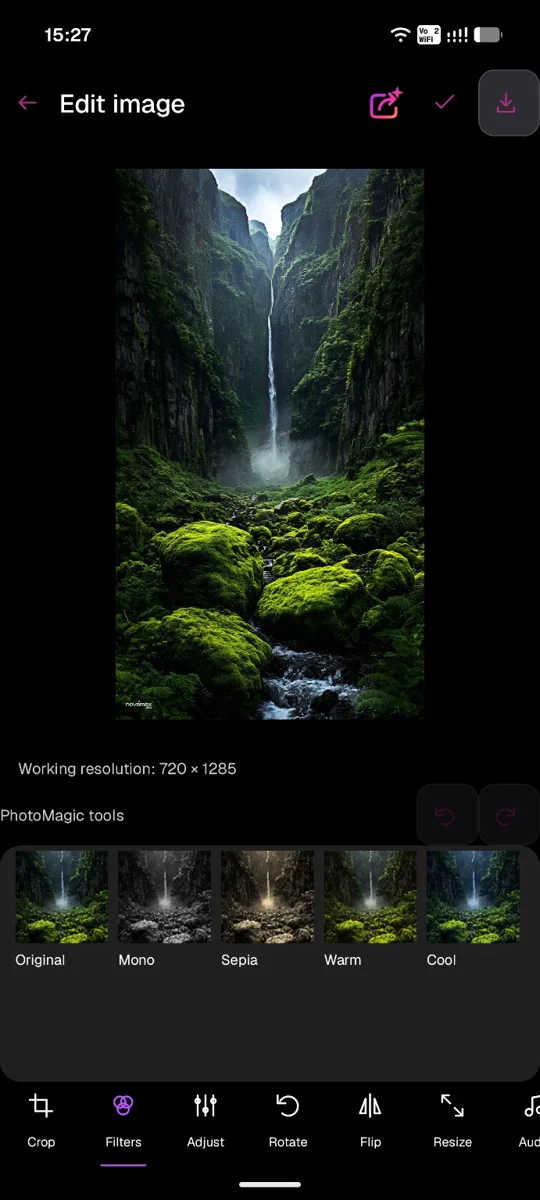
Explore filter previews and adjust your image to find the look you like.
Crop, rotate, flip, and resize your photos. Fit videos with blur or bars.
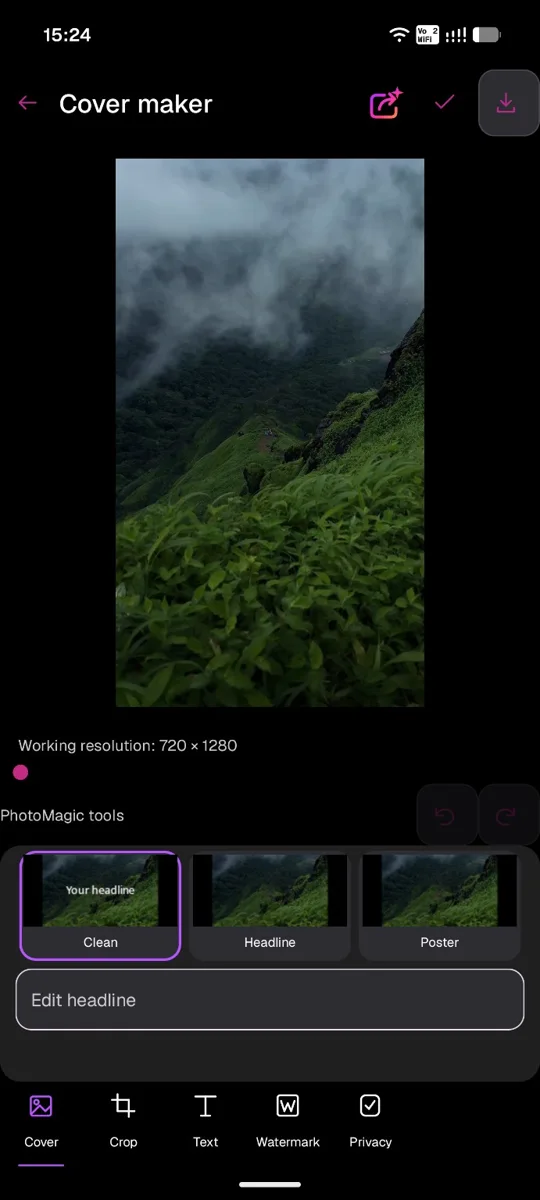
Choose a cover style and add a headline, text, or watermark.
Swipe through the app, from your first link to your finishing touches.
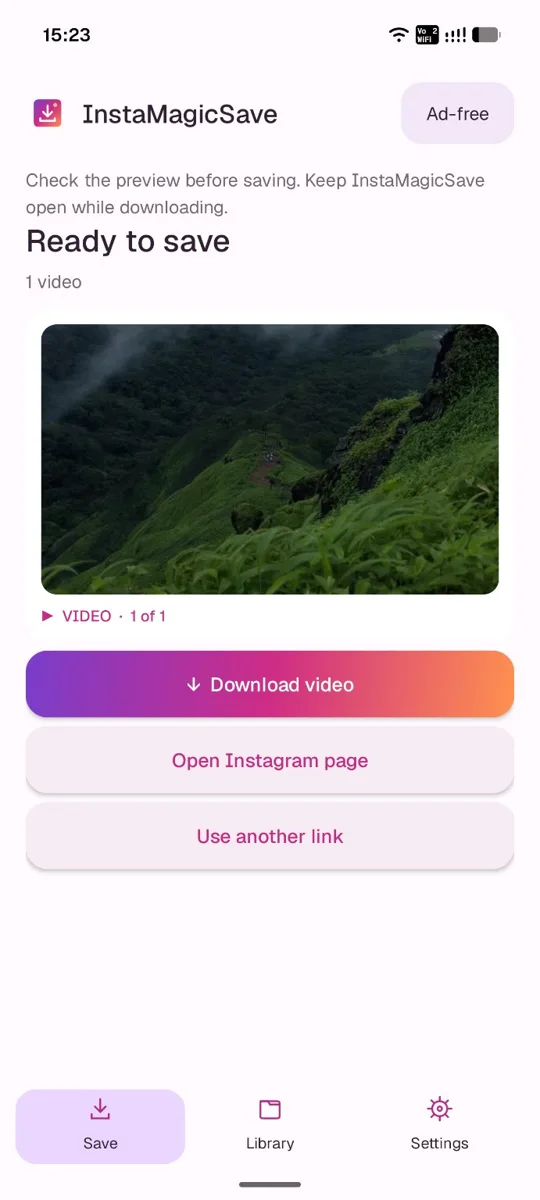
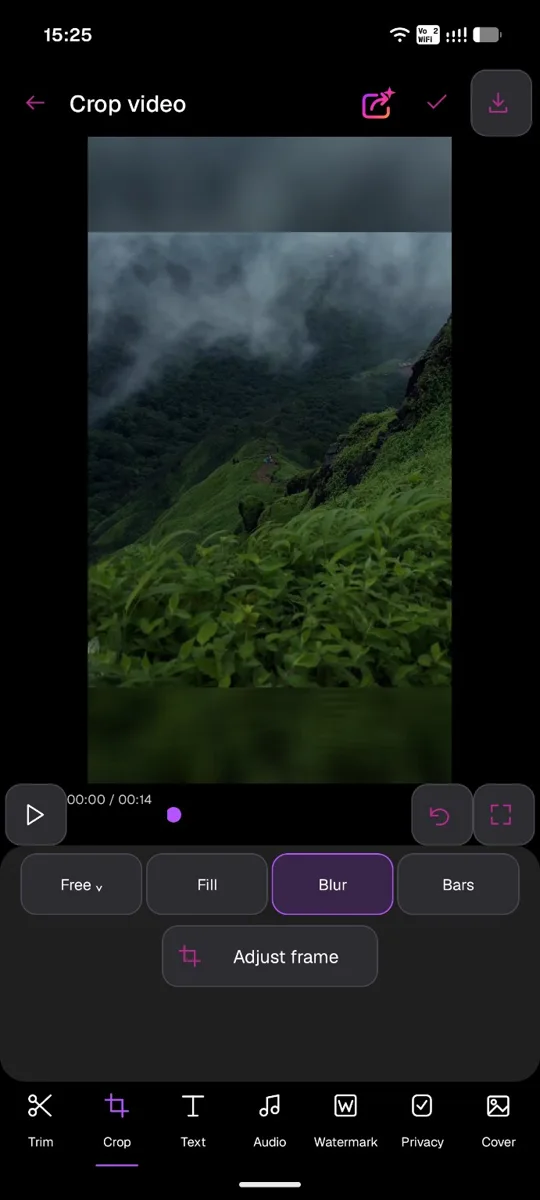
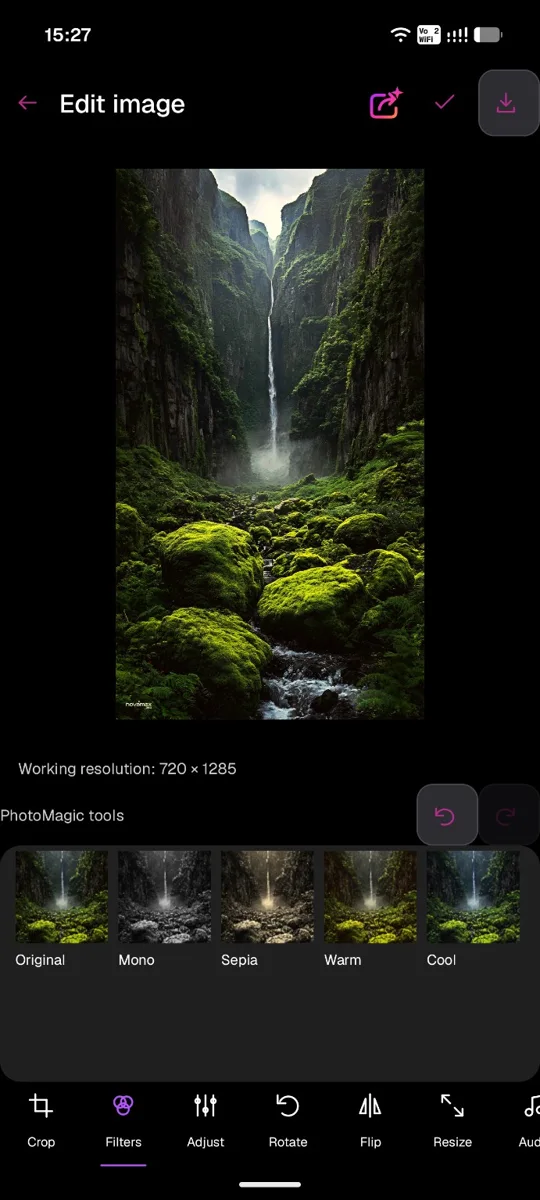
Screenshots show a development build with the previous InstaMagicSave name. The final app name is IGMagicSave.
No Instagram login is required for the public-link workflow. Media availability depends on Instagram and the post's accessibility; not every link can be retrieved.
Yes. Open saved content to edit supported photos and videos using the native editing tools.
Only content you own or have permission to download, edit, and share. A public post does not automatically grant reuse rights. Respect creators and platform terms.
An optional Google Play ad-free subscription is planned. Availability, prices, and billing periods will be shown in the app when launched. Subscriptions are not available through this website.
No. IGMagicSave is developed independently by KVLabs and is not affiliated with Instagram or Meta.
IGMagicSave for Android
The download link will appear here when the app is publicly available.